
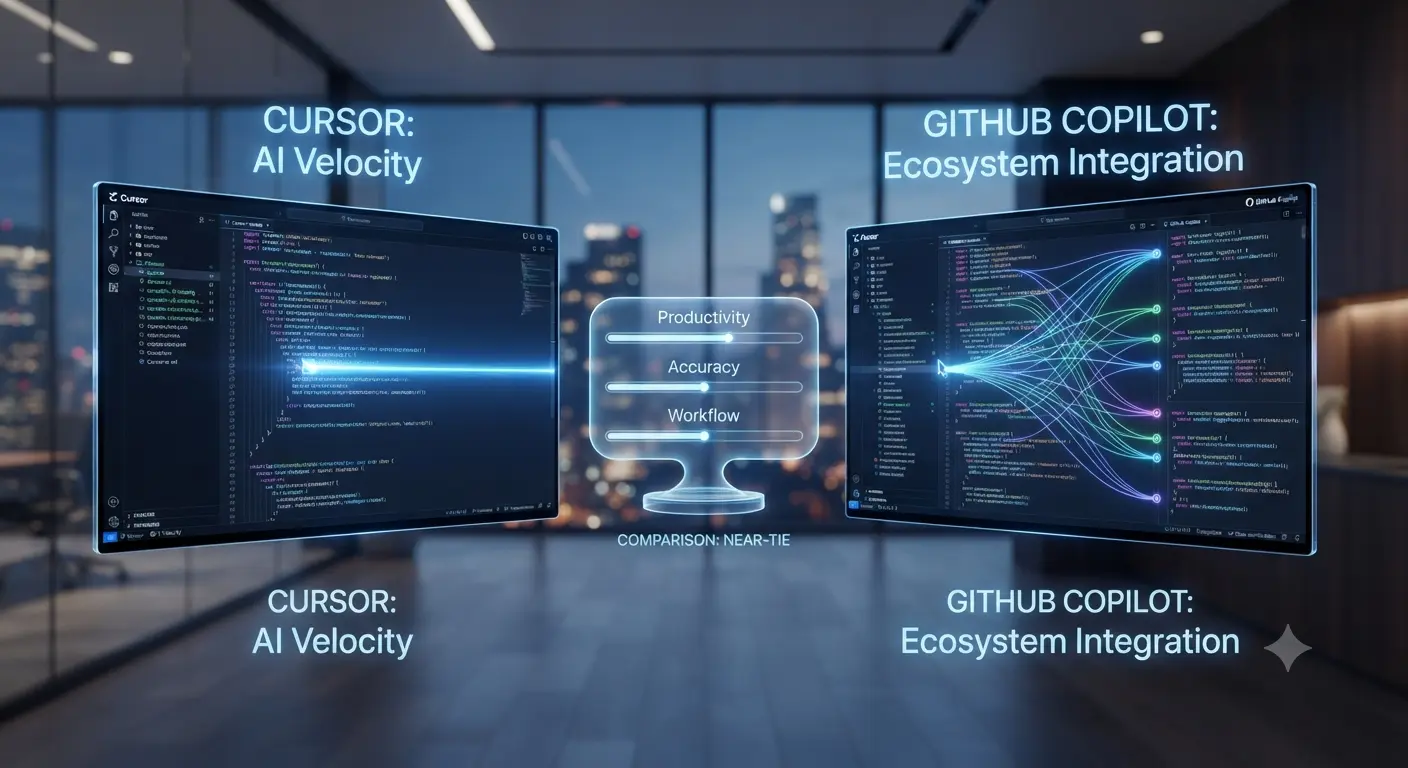
In 2026, software development is undergoing a fundamental transformation. AI is no longer just assisting developers—it is becoming an integral part of the coding infrastructure itself. Two tools leading this shift are Cursor and GitHub Copilot. While both leverage advanced AI models, they represent very different philosophies in how developers interact with code.
This in-depth guide explores how Cursor and GitHub Copilot compare across real-world development scenarios, productivity, scalability, and long-term impact on engineering teams. If you are serious about staying competitive in modern software development, understanding this shift is critical.
The Rise of AI-Native Development Environments
Traditional IDEs are evolving into AI-native platforms. Developers are no longer just writing code—they are collaborating with AI systems that understand entire codebases, automate repetitive tasks, and even suggest architectural improvements.
This evolution is not just about speed. It is about redefining how software is built, maintained, and scaled.
GitHub Copilot: The Industry Standard
GitHub Copilot has become the default AI coding assistant for millions of developers worldwide. Integrated directly into popular editors, it provides real-time code suggestions based on context.
Executive Deep-Dive
Scaling Beyond Traffic to Revenue
Most enterprises fail because they chase clicks instead of trust. While building your global presence, ensure your EEAT 3.0 signals are synchronized across all regions.
Recommended for you:
→ The Shift from Traffic to Trust: A New KPI for Enterprise SEOIts strengths are clear:
- Fast inline code completion
- Wide language support
- Seamless integration with existing workflows
- Backed by GitHub and enterprise ecosystems
For many teams, Copilot is the easiest way to introduce AI into development without disrupting existing processes.
Cursor: The AI-First Code Editor
Cursor takes a radically different approach. Instead of being an assistant, it is built as an AI-first development environment. It understands entire projects, not just individual lines of code.
This enables powerful capabilities such as:
- Full-project awareness and context
- Intelligent refactoring across multiple files
- Deep debugging assistance
- Natural language interaction with codebases
Cursor is not just helping developers write code—it is helping them think and build at a higher level.
Productivity: Incremental vs Exponential
GitHub Copilot improves productivity incrementally. It speeds up coding by suggesting the next line or function.
Cursor, on the other hand, enables exponential productivity gains. By understanding the entire system, it can generate, refactor, and optimize large portions of code in a single interaction.
For simple tasks, Copilot is often enough. For complex systems, Cursor offers a significant advantage.
Learning Curve and Adoption
Copilot is easy to adopt. Developers can start using it immediately with minimal changes to their workflow.
Cursor requires a mindset shift. Developers need to learn how to communicate with the AI effectively and leverage its full capabilities.
However, once mastered, Cursor can dramatically change how development teams operate.
Code Quality and Maintainability
One of the biggest challenges in AI-assisted coding is maintaining code quality. Generating code quickly is easy—ensuring it is scalable and maintainable is harder.
Copilot provides useful snippets, but it does not fully understand the broader architecture.
Cursor’s project-level awareness allows it to generate code that is more aligned with the overall system design, reducing technical debt over time.
Real-World Use Cases
Modern development teams are already adopting different strategies:
- Startups use Copilot for rapid prototyping
- Advanced teams use Cursor for system design and refactoring
- Enterprises combine both tools for maximum efficiency
- Solo developers use Cursor to act as a “virtual senior engineer”
This hybrid approach is becoming the new standard.
The Future of AI Coding Infrastructure
The real question is not Cursor vs Copilot—it is how AI will reshape the entire development stack.
We are moving toward a future where:
- AI understands full codebases in real time
- Developers focus more on problem-solving than syntax
- Software is built faster, with fewer errors
- Engineering teams become smaller but more powerful
Cursor represents this future more clearly, while Copilot represents the present.
Which One Should You Choose?
If you want a reliable, easy-to-use assistant that enhances your current workflow, GitHub Copilot is the best choice.
If you want to adopt a next-generation development model and significantly increase productivity, Cursor is the better investment.
The decision ultimately depends on your goals, team structure, and willingness to adapt.
Final Verdict
GitHub Copilot is the industry standard for AI-assisted coding. It is stable, accessible, and widely adopted.
Cursor is the future of AI-native development. It offers deeper intelligence, broader capabilities, and a new way of building software.
The developers and teams who embrace AI-native workflows today will have a massive advantage in the years ahead.
Pro Strategy for Maximum Impact
For the best results, use GitHub Copilot for fast, inline coding and Cursor for complex problem-solving, refactoring, and architecture decisions.
This combination allows you to balance speed and intelligence—unlocking the full potential of AI in software development.
In the rapidly evolving world of AI, those who adapt fastest will lead the future of technology.