
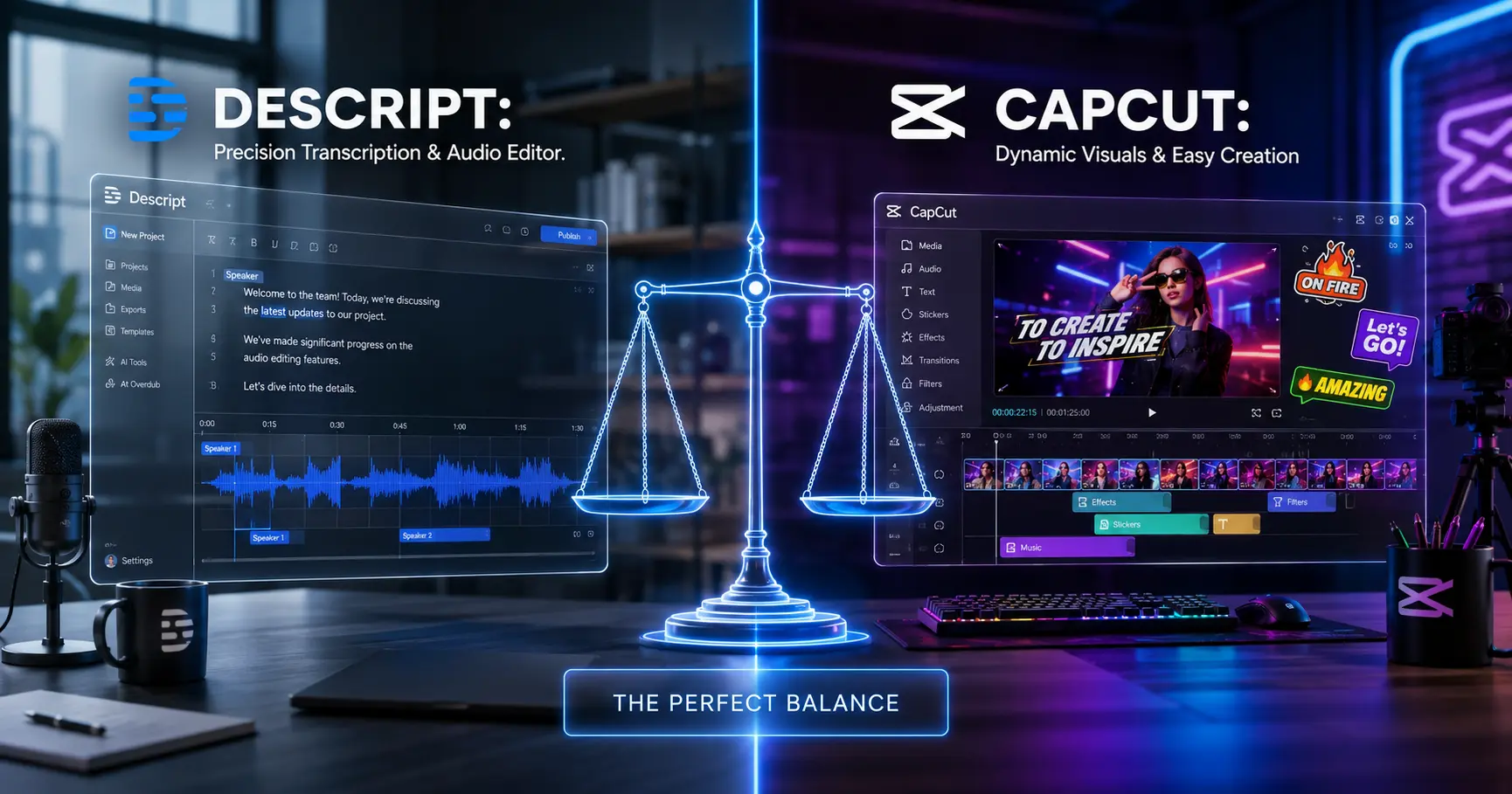
In 2026, video is no longer just content—it is the foundation of digital communication. From YouTube and TikTok to corporate training and online courses, video has become the most powerful way to capture attention, deliver value, and build influence. But behind every great video lies a critical process: editing.
Traditionally, video editing required advanced skills, expensive software, and hours of manual work. Today, AI has changed everything. Tools like Descript and CapCut Desktop are redefining how creators and businesses produce professional-quality videos at scale.
But which one truly delivers the best results for modern creators and teams?
This in-depth guide explores their capabilities, workflows, strengths, and strategic value—helping you choose the right tool to stay ahead in the competitive video landscape.
The Evolution of Video Editing
Video editing has evolved from complex timelines and manual cuts to AI-driven workflows where content can be edited as easily as text. This shift has opened the door for creators of all skill levels to produce high-quality content.
Executive Deep-Dive
Scaling Beyond Traffic to Revenue
Most enterprises fail because they chase clicks instead of trust. While building your global presence, ensure your EEAT 3.0 signals are synchronized across all regions.
Recommended for you:
→ The Shift from Traffic to Trust: A New KPI for Enterprise SEOThe key question is no longer “Can you edit video?” but “How efficiently can you produce high-impact content?”
Descript: Editing Through Text
Descript has introduced a revolutionary approach to video editing. Instead of working on traditional timelines, users edit video by editing text transcripts.
This makes the process faster, more intuitive, and accessible—especially for content creators who focus on storytelling.
Key strengths include:
- Text-based video and audio editing
- Automatic transcription and subtitles
- AI voice cloning and overdub features
- Ideal for podcasts, interviews, and educational content
For creators who prioritize speed and clarity, Descript offers a completely new way of working.
CapCut Desktop: Power and Flexibility
CapCut Desktop takes a more traditional approach, enhanced by AI features. It combines powerful editing tools with automation, making it suitable for both beginners and advanced users.
Its strengths include:
- Advanced timeline editing capabilities
- Built-in effects, transitions, and templates
- AI-powered features like auto captions and background removal
- Strong integration with short-form content platforms
For creators focused on visual storytelling and dynamic content, CapCut provides greater creative control.
Editing Experience: Simplicity vs Control
The core difference between these tools lies in the editing experience.
Descript simplifies editing by removing complexity. You focus on the story, not the timeline.
CapCut offers full control. You can fine-tune every detail of your video.
Your choice depends on whether you value simplicity or creative precision.
Use Cases for Creators and Businesses
Different users benefit from each tool in different ways:
- Podcasters and educators use Descript for fast editing and transcription
- YouTubers use CapCut for high-quality visual content
- Marketers use both tools to scale content production
- Businesses use AI editing to reduce production time and costs
This flexibility highlights the growing importance of AI in content creation.
Productivity and Workflow Efficiency
AI-powered editing tools dramatically improve productivity.
Descript reduces editing time by allowing users to edit content like a document.
CapCut increases efficiency with templates, automation, and reusable assets.
Both tools enable creators to produce more content in less time—a key advantage in today’s attention economy.
Content Quality and Engagement
High-quality content is not just about visuals—it is about storytelling, pacing, and clarity.
Descript excels in narrative-driven content.
CapCut excels in visually engaging, dynamic content.
The best results come from understanding your audience and choosing the right approach.
Scalability and Long-Term Value
As content demands grow, scalability becomes critical.
Descript is ideal for scaling content that relies on communication and clarity.
CapCut is ideal for scaling visually rich content across platforms.
Choosing the right tool can significantly impact your long-term content strategy.
Which One Should You Choose?
If your focus is storytelling, podcasts, and educational content, Descript is the better choice.
If your focus is visual storytelling, social media, and dynamic video content, CapCut Desktop is the stronger option.
For many creators, the best strategy is to use both tools together.
The Future of AI Video Editing
AI is transforming video editing into a faster, smarter, and more accessible process. In the near future, editing will be driven by intent rather than manual effort.
Creators who embrace these tools will gain a significant advantage in speed, quality, and consistency.
This is not just a trend—it is the future of content creation.
Final Verdict
Descript leads in simplicity, speed, and text-based editing.
CapCut Desktop leads in control, creativity, and visual production.
The right choice depends on your content strategy and workflow.
In a world where content is everywhere, the ability to produce high-quality video efficiently is your ultimate advantage.
Pro Strategy for Maximum Impact
To maximize results, use Descript for scripting, transcription, and narrative editing, and use CapCut Desktop for final visual production and enhancement.
This hybrid workflow allows you to combine speed with creative control—unlocking the full potential of AI video editing.
In the modern creator economy, those who produce faster and better content will dominate.