In the sophisticated world of digital infrastructure, the leap from shared hosting to a Virtual Private Server (VPS) is often the most significant milestone for an growing project. However, once you enter the realm of VPS, you are immediately confronted with a fundamental choice: managed or unmanaged?
For developers, system administrators, and technology-focused entrepreneurs, the unmanaged VPS is the ultimate playground. It is the purest form of cloud hosting—a raw environment that offers unparalleled control at a fraction of the cost. Yet, this power comes with a significant responsibility: the total management of your environment. This article explores whether an unmanaged VPS is the right strategic fit for your project by balancing the undeniable benefits of cost-efficiency against the operational reality of “self-managed” infrastructure.
What Defines an Unmanaged VPS?
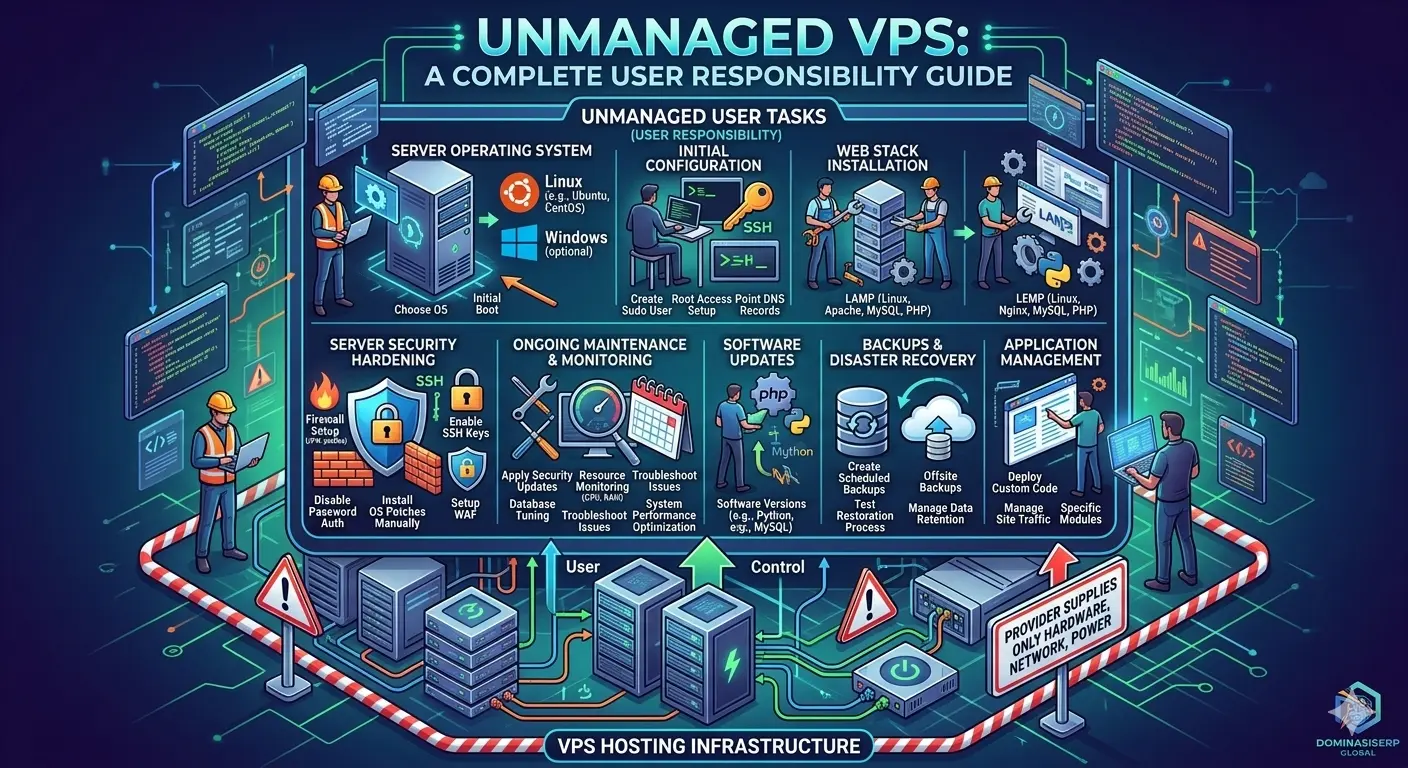
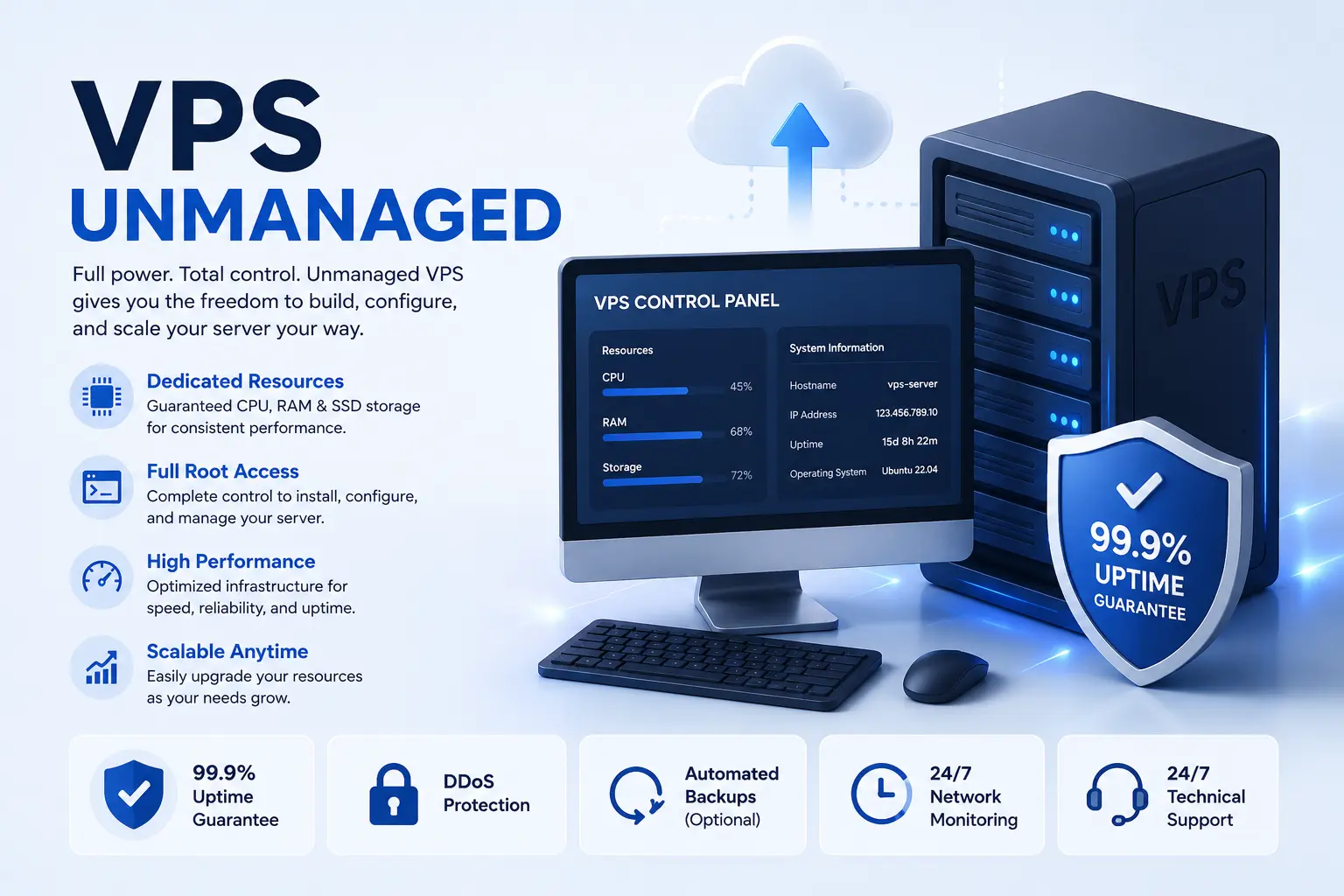
An unmanaged VPS is, at its core, a “blank canvas.” When you provision an unmanaged server, the provider gives you root access to a virtual machine with a base operating system (usually a Linux distribution like Ubuntu, Debian, or Rocky Linux). From that moment forward, the provider’s responsibility ends at the hardware and network layers.
You are responsible for:
-
Operating System Updates: Managing kernel patches, security updates, and package upgrades.
-
Software Stack Installation: Setting up your web server (NGINX, Apache, LiteSpeed), databases (MySQL, PostgreSQL), and language runtimes (PHP, Python, Node.js).
-
Security Configuration: Setting up firewalls, intrusion detection systems (IDS), and securing SSH access.
-
Backups and Disaster Recovery: Implementing your own backup strategies to ensure data integrity.
The Case for Unmanaged: The Economic and Technical Argument
Why would a business intentionally choose a path that requires more labor? The answer lies in two key areas: cost and granular control.
1. Cost Efficiency
Managed hosting providers charge a premium for the convenience of having their support staff handle updates and configurations. By choosing an unmanaged VPS, you eliminate this “management tax.” For a business scaling a network of websites or microservices, the savings from unmanaged hosting can be thousands of dollars annually, which can be reinvested into development or marketing.
2. Performance and Resource Optimization
Managed environments often come with “bloat”—pre-installed security suites, monitoring agents, and control panels (like cPanel or Plesk) that consume precious RAM and CPU cycles. In an unmanaged environment, you install only what you need. This lean setup allows you to squeeze the maximum possible performance out of every dollar spent on hardware, ensuring that your application receives 100% of the allocated resources.
3. Ultimate Technical Freedom
The greatest advantage is the ability to customize your stack. If you need a specific kernel module, a custom version of a database, or a highly specialized security configuration, an unmanaged VPS allows you to implement it immediately. There are no restrictions imposed by a provider’s “standard” software environment.
The Operational Reality: Are You Prepared?
While the benefits are compelling, the “unmanaged” label should not be taken lightly. Before migrating to this model, you must assess your team’s technical readiness.
The Security Burden
In a managed environment, the provider mitigates many common attack vectors. In an unmanaged environment, your server is essentially an island. If you fail to configure your firewall correctly or neglect to patch a critical vulnerability in your web server, your platform will be compromised. Security is not an “add-on” here; it is a fundamental part of your daily workflow.
The Maintenance Overhead
Maintaining a server is not a one-time setup; it is a continuous cycle. You need a structured approach to server management. If you are a solo entrepreneur or a small team, ask yourself: “How much time am I willing to take away from product development to spend on server maintenance?” If the answer is “none,” then an unmanaged VPS will quickly become a liability rather than an asset.
Balancing the Scales: The Hybrid Approach
For many DMS Global clients and professionals, the solution is not an all-or-nothing approach. Many opt for a “managed infrastructure” approach where they use automation tools to treat their unmanaged servers like managed ones.
By using tools like Ansible, Terraform, or even simple bash scripting, you can automate your server deployments. You can write “Infrastructure as Code” (IaC) to ensure that your server configuration is repeatable, secure, and easy to maintain. This approach gives you the cost benefits of unmanaged hosting while providing the consistency and ease-of-management typically associated with managed services.
Conclusion
Is an unmanaged VPS right for you? If your project requires high-performance, cost-effective scaling, and you possess (or are willing to learn) the system administration skills to secure and maintain your own environment, then the answer is a resounding yes. It provides the freedom to build exactly what you need without the constraints of a managed platform.
However, if your business is in its early stages and your primary focus must remain on the product rather than the infrastructure, the cost savings of an unmanaged VPS may be outweighed by the operational risk. As you evaluate your hosting needs, consider your internal expertise as the primary variable. The most successful deployments are not those that choose the cheapest path, but those that choose the path that aligns with their team’s technical capabilities.
related tags: vps unmanaged, server administration, cloud hosting cost, infrastructure as code, linux server security