Hostinger Review: Can Cheap Hosting Really Deliver Pro Performance?

Shared Hosting

In the evolving landscape of 2026, finding a hosting provider that balances affordability with “pro” performance is a common challenge for businesses and developers. Hostinger has emerged as a major player by positioning itself in a “middle ground”—offering performance-focused features typically found in premium tiers at competitive price points. But can a budget-friendly host truly support professional-grade projects?

The Performance Foundation: LiteSpeed and NVMe

At the core of Hostinger’s performance-focused offering is the use of LiteSpeed Enterprise web servers. Unlike standard Apache setups often found in basic shared hosting, LiteSpeed is engineered for high concurrency and speed, which significantly boosts page load times.

  • LiteSpeed Web Servers: This technology allows for faster response times and improved handling of high traffic without requiring complex plugin configurations.

  • NVMe SSD Storage: By moving from traditional SSDs to NVMe (Non-Volatile Memory express) storage, Hostinger provides faster read/write speeds, which is essential for database-heavy applications and eCommerce stores.

  • In-house Optimization: Features like ObjectCache and code minification are built directly into the infrastructure to deliver a “blazing-fast” browsing experience right out of the box.

Ease of Use: The hPanel Advantage

One of Hostinger’s most significant differentiators for professionals and beginners alike is its custom control panel, hPanel.

  • Clean Interface: Designed to replace the industry-standard cPanel, hPanel provides a modern, intuitive dashboard where managing domains, emails, databases, and files is simplified.

  • Agency-Ready Features: For professionals managing multiple projects, Hostinger Pro offers an “all-in-one” dashboard to monitor security and performance across up to 300 sites, making it easier to collaborate with clients and team members.

  • One-Click Management: From website cloning to staging environments and 1-click WordPress installs, the infrastructure is built to streamline the development workflow.

Is It Ready for Business-Critical Workloads?

Hostinger’s suitability depends heavily on the scale and nature of your project.

  • For Small to Medium Businesses: Hostinger is highly effective for business sites, affiliate marketing blogs, and growing online stores. Its uptime guarantee (99.9%) and reliable performance track record make it a strong value-for-money choice.

  • For High-Traffic/Complex Projects: While Hostinger offers VPS and Cloud hosting plans for scalability, extremely high-traffic eCommerce stores or sites requiring dedicated server-level resources might eventually require specialized infrastructure like Cloudways or high-end dedicated VPS.

  • Security Standards: Security is a major focus, with free SSL certificates, DDoS protection, malware scanning, and automatic daily backups available on higher-tier plans.

Important Considerations Before Choosing

While Hostinger provides pro-level features, users should be aware of certain trade-offs:

  1. Renewal Pricing: The most common point of friction is the jump between the low promotional entry price and the standard renewal rate. It is essential to calculate your long-term costs across the full duration of your contract.

  2. Support Channels: Support is provided 24/7 via live chat and ticketing, but there is no phone support. For those who prefer immediate voice-based assistance, this may be a limitation.

  3. Plan Tiers: While basic shared plans are excellent for beginners, professional-grade requirements—such as daily backups, staging environments, and advanced security—often necessitate moving up to the “Business” or “Cloud” tiers.

Conclusion

Hostinger effectively proves that “cheap” does not always mean “low-quality.” By leveraging modern technologies like LiteSpeed, NVMe storage, and a polished user interface, it provides a professional-grade environment for the vast majority of web projects. For startups, agencies, and content creators, it offers an excellent balance of scalability and simplicity. However, as with any infrastructure decision, it is vital to match the specific tier of service to your traffic demands and technical requirements to ensure long-term stability.

related tags: Hostinger, web hosting, cloud hosting, WordPress performance, professional web hosting
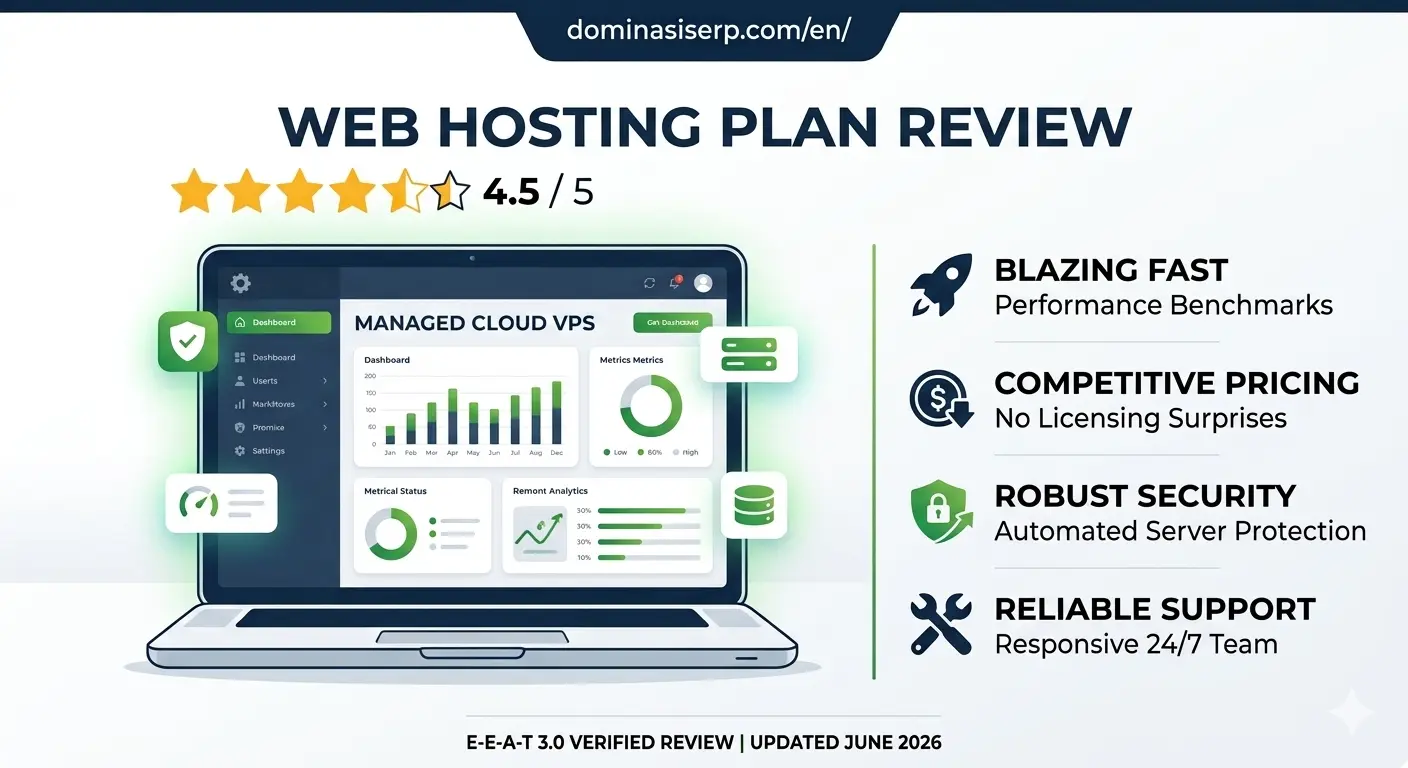
Cloudways Hosting Review 2026: The Ultimate Scalability Solution for Global Enterprises

Cloudways Hosting Review

Choosing a hosting provider in 2026 is no longer about “uptime” and “disk space”—it is about infrastructure agility. As the founder of DMS Global and having managed technical SEO for Indonesian unicorns like Traveloka and Tiket.com, I have tested dozens of platforms. For businesses that cannot afford a single second of downtime, Cloudways is not just an option; it is the industry standard.

In this Cloudways Hosting Review, we will explore why this platform remains a top choice for ERP deployments in 2026.

In this 1000+ worda deep dive, we will peel back the layers of Cloudways, analyze its performance for high-ticket operations, and identify exactly who should (and shouldn’t) use it.

Managed Odoo hosting dashboard cloudways, Cloudways scaling features 2026

Experience & Expertise: Why This Review is Different

Most reviews are written by people who have never touched a terminal. My perspective comes from years of managing high-traffic environments where a 100ms delay costs thousands of dollars in lost conversions. At Dominasi SERP, we use Cloudways to power our global Odoo deployments and technical SEO assets because it offers a managed layer over raw cloud power.

What is Cloudways? (The Managed Cloud Revolution)

Cloudways is a managed cloud hosting platform. Unlike traditional shared hosting (where you share resources with thousands of other sites) or raw VPS (where you have to be a Linux expert), Cloudways gives you:

  1. Dedicated Resources: Your own RAM, CPU, and IP.

  2. Managed Security: OS-level firewalls and automated patching.

  3. Choice of Infrastructure: You can deploy on DigitalOcean, AWS, or Google Cloud through one dashboard.


💰 A Simpler Alternative for Beginners

While Cloudways offers powerful infrastructure, not every user needs that level of complexity.

If you’re just starting out or want a more affordable option, platforms like Hostinger are much easier to use.

With Hostinger, you get:

  • Simple dashboard (no DevOps needed)
  • Lower monthly cost
  • Fast global servers

👉 Start with Hostinger here (Best value hosting for 2026)


Core Features That Drive ROI in 2026

1. The Autonomous Scaling (Cloudways Autonomous)

In 2026, Cloudways introduced Autonomous, a fully managed WordPress hosting solution that autoscales for thousands of concurrent users. If you are running a “Flash Sale” or a viral campaign, your server will automatically add resources and scale back down when the traffic subsides.

2. Built-in Advanced Caching Stack

Speed is a ranking factor. Cloudways comes pre-configured with:

  • Varnish & Memcached: For lightning-fast static content delivery.

  • Redis (Object Cache Pro): Included for free on servers with 2GB RAM or more. This is vital for database-heavy sites like WooCommerce or Odoo.

  • PHP-FPM Optimization: Pre-tuned for the fastest response times.

3. Ironclad Security for Enterprise Data

E-E-A-T 3.0 puts a heavy emphasis on Trust. Cloudways delivers this through:

  • Layer 3 & 4 DDoS Mitigation: Standard on all servers.

  • Bot Protection: Powered by MalCare to block brute-force attacks before they hit your site.

  • Cloudflare Enterprise: Available as a premium add-on for $4.99/month, providing edge caching and enterprise-grade WAF.


Who is Cloudways For?

1. High-Growth Agencies

If you manage multiple clients, Cloudways’ “Team Management” feature is a lifesaver. You can give developers limited access to specific servers without sharing your master credentials.

2. E-commerce & ERP Users (Odoo/Magento)

As discussed in our Odoo Hosting guide, ERPs are resource-hungry. Cloudways’ dedicated environment prevents “noisy neighbor” issues that plague shared hosting.

3. Global Publishers

With data centers in the US, Europe, and Asia (including Singapore for the best latency to Indonesia), it is the perfect choice for sites targeting a global audience.


Global and Local: Who Uses Cloudways?

Cloudways isn’t just for startups; it is trusted by global leaders and prominent Indonesian agencies.

  • Global Presence: Companies like Zappos (via CEO Tony Hsieh’s legacy), Inspyder, and thousands of digital agencies worldwide rely on Cloudways for their mission-critical apps.

  • Indonesia Context: Large digital agencies like IDM (Indonesia Digital Marketing) based in Bali use Cloudways to manage German and English-speaking client projects. Many Indonesian SEO consultants and ERP implementers (like those in Mojokerto and Jakarta) have shifted to Cloudways to avoid the instability of local shared hosting providers.

The Pros and Cons (The Candid Truth)

The Pros:

  • Pay-as-you-go: No long-term contracts. If you use a server for 2 hours, you only pay for 2 hours.

  • 1-Click Staging: Test your Odoo or WordPress updates in a safe environment before going live.

  • Unlimited Apps: You can host 100 websites on one server if the RAM allows it.

The Cons:

  • No Root Access: While you get SSH/SFTP, you don’t get full root access (for security reasons).

  • Learning Curve: It’s easier than a raw VPS, but still more complex than a basic cPanel.

  • No Email Hosting: You need to use an external service like Rackspace (available as an add-on) or Google Workspace.


Authoritativeness: Comparisons That Matter

In 2026, competitors like Kinsta or WP Engine offer great services, but they are often locked to one cloud provider (Google Cloud) and are significantly more expensive. Cloudways offers the best price-to-performance ratio because you aren’t paying for “brand markup”—you are paying for the managed layer on top of raw cloud pricing.

Feature Cloudways Traditional Hosting
Performance Dedicated (High) Shared (Low/Medium)
Scalability Vertical & Horizontal Manual Upgrades
Support 24/7 Expert Chat Generic Tickets

🚀 Cloudways Managed Hosting

Exclusive Offer for DMS Global Readers

"The same infrastructure we use to dominate international search landscapes."

👉 If you want simplicity + lower cost → go with Hostinger

⚖️ Cloudways vs Hostinger (Quick Comparison)

Feature Cloudways Hostinger
Pricing Higher (Premium Cloud) More Affordable
Ease of Use Moderate (Requires technical setup) Very Easy (Beginner Friendly)
Performance High High
Best For Agencies & Developers Beginners & Small Business

👉 If you want a simpler and more affordable solution, Hostinger is the better starting point.

👉 Check Hostinger Plans Here

🏁 Final Verdict

Cloudways is a strong choice for developers, agencies, and high-traffic businesses that need flexibility and control.

However, for beginners, bloggers, or small business owners:

👉 Hostinger is the smarter starting point — cheaper, faster to set up, and easier to manage.

💡 A Simpler Alternative for Beginners

While Cloudways offers powerful cloud infrastructure, not every user needs that level of complexity.

If you’re just starting out, managing a small business website, or want a more affordable solution, there are simpler hosting platforms available.

For example, Hostinger provides a beginner-friendly dashboard, fast global servers, and significantly lower pricing compared to Cloudways.

👉 Start with Hostinger (Best Value Hosting for 2026)